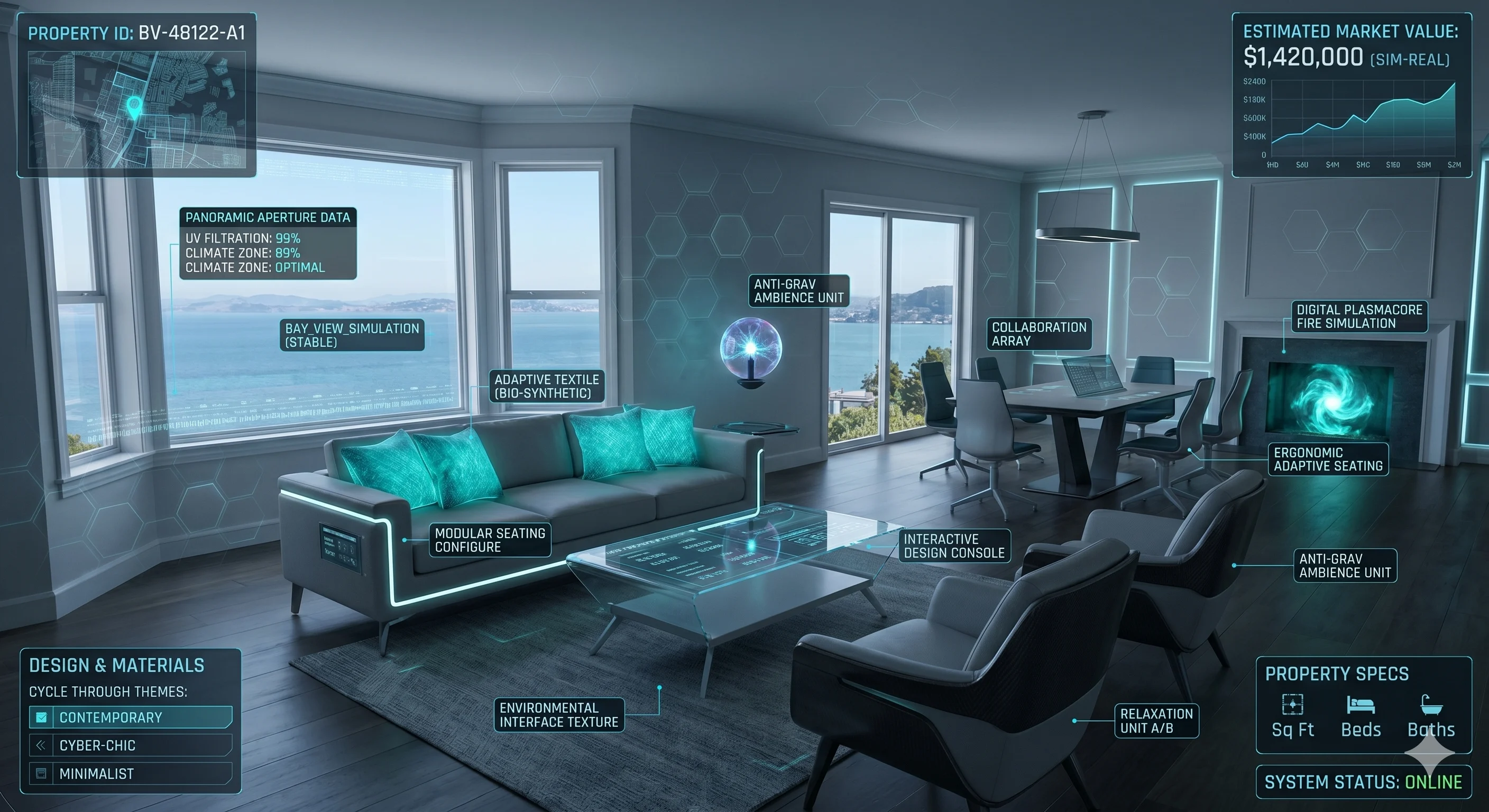
Preview
Residential · High-Rise
Residential Tower Walkthrough
Multi-floor navigation with unit type switcher, sun study per floor and full VR walkthrough.
An interactive simulation of your property — every unit, every angle, every season. Built on Unity and Unreal Engine for sales galleries, NRI buyers and approval presentations.
Click any card to watch the project demo and explore full simulation details.
Multi-floor navigation with unit type switcher, sun study per floor and full VR walkthrough.
Aerial fly-through and ground-level walk with phase toggle, traffic flow and GIS terrain integration.
Footfall simulation, tenant pitch tools, anchor visibility and mixed-use floor planning.
Streetscape, clubhouse walkthrough, seasonal landscape and plot comparison in one experience.
GIS terrain, utility routing overlay, EV stations and sensor integration for tender and approval.
Latitude-accurate sun arc simulation, shadow analysis per room and season, Lumen real-time GI.
Game-engine fidelity, sales-floor pragmatism — every capability tuned for property visualisation and lead conversion.
First-person navigation, teleport hotspots and floor switcher across every unit type — built from RERA-approved drawings.
Lumen real-time global illumination plus latitude-accurate sun arcs for shadow analyses, view corridors and approval submissions.
One asset pipeline, six delivery targets — Quest 3 VR, sales-gallery touchscreen, mobile AR, WebGL browser, Windows kiosk and 360° video.
Live unit-availability overlay, palette swapper, in-app inquiry capture and webhooks into Salesforce, Zoho or LeadSquared.
Technical specs, delivery guides and integration references for the real estate simulation platform.
Full technical specifications — engine, rendering pipeline, file format support and hardware requirements.
Complete guide covering walkthroughs, lighting, VR delivery, sales tools and CRM integration.
Step-by-step guide for deploying to sales-gallery kiosks, publishing WebGL builds and connecting CRM webhooks.
Repeatable, milestone-driven steps from brief and drawings to a deployed walkthrough on VR, web and the sales gallery floor.
Scope the project — tower, township, mall, plotted layout. Collect CAD, Revit, IFC, brand guidelines and site photography.
Build the world in Unreal or Unity — geometry, PBR materials, Lumen GI, sun study and furnished interiors signed off from beauty shots.
Layer in walkthrough logic, palette swap, unit availability and CRM webhooks, then optimise on target hardware — Quest, kiosk, web, mobile.
Install on the sales-gallery kiosk, publish the web build, side-load the Quest APK and train your sales team — with ongoing update retainers.
We ingest Revit (.rvt), IFC, AutoCAD (.dwg/.dxf), SketchUp (.skp), 3ds Max via Datasmith, FBX, glTF/glb and OBJ — plus high-resolution site photography and drone capture. If you only have physical blueprints, we can redraw from scans or a site survey.
Indicative timelines: 3–4 weeks for a single unit type, 6–8 weeks for a mid-rise tower, 8–12 weeks for a full high-rise with amenity deck, and 12–18 weeks for a township or integrated community. The largest variable is how quickly you can share approved drawings and material specifications.
No. Every project ships across multiple delivery targets — a WebGL viewer that runs in any modern browser, a Windows EXE for the sales-gallery touchscreen or kiosk, a mobile AR build for Android and iOS, and a standalone Quest 3 APK for buyers and broker-led VR sessions. VR is optional, not required.
Yes. In-experience inquiry forms and "Interested" / "Book Now" events push leads in real time to Salesforce, Zoho, LeadSquared or your in-house CRM via REST webhooks. We set this up during the interaction-layer phase using your CRM admin credentials or API keys.